


Embrace the Season: The Ultimate Guide to Fall Desktop Background Images in 2025
Embrace the Season: The Ultimate Guide to Fall Desktop Background Images in 2025
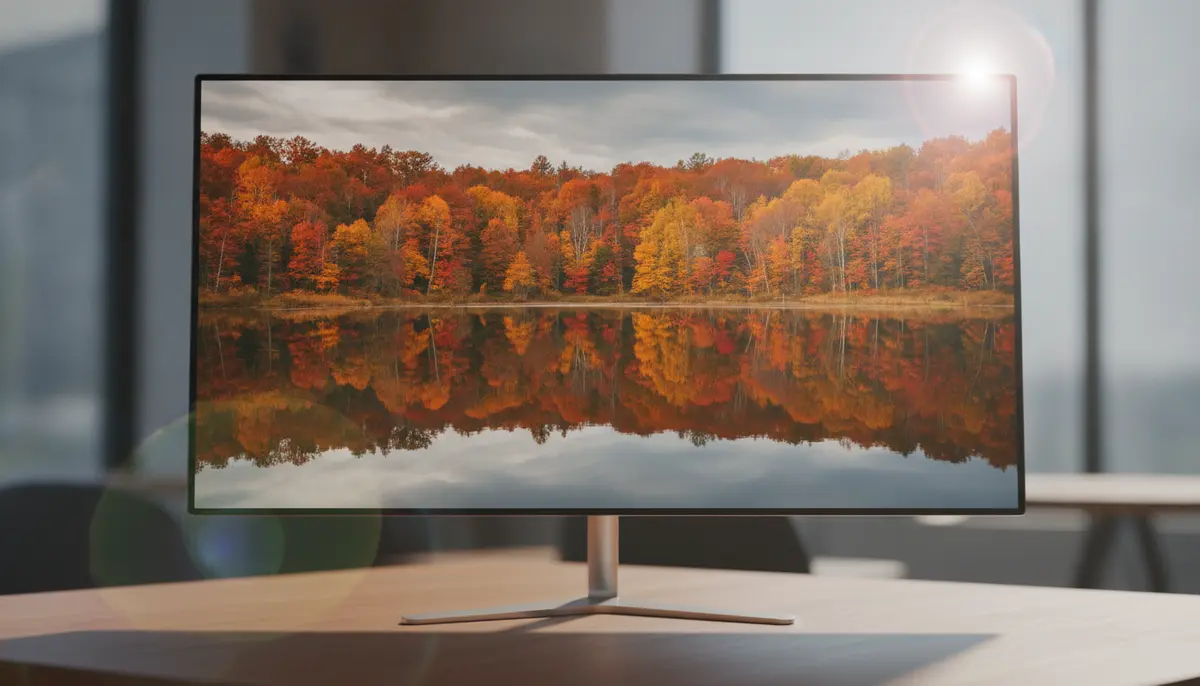
As autumn leaves begin their spectacular transformation, many of us feel a natural pull to bring that vibrant beauty indoors. In 2025, one of the easiest and most impactful ways to do this is by updating your digital workspace with captivating fall desktop background images. Imagine logging onto your computer each day to a stunning vista of golden forests or a cozy scene bathed in warm, autumnal light. It instantly changes your mood and boosts your productivity.
This comprehensive guide will walk you through everything you need to know about selecting, customizing, and optimizing the perfect fall desktop background images. We'll explore the latest trends, where to find high-quality visuals, and how to make your desktop truly reflect the magic of the season. Get ready to transform your screen into a masterpiece of autumn artistry.
Why Fall Desktop Background Images Matter for Your Digital Workspace
Your desktop background is more than just a pretty picture. It is a window into your digital world. It sets the tone for your work and leisure activities. Choosing the right fall desktop background images can significantly impact your daily routine. Let's explore why this simple change holds so much power.
Boosting Your Mood and Productivity
Fall colors are known for their calming and inspiring qualities. Warm reds, deep oranges, and rich browns evoke feelings of comfort and creativity. Seeing these colors every day can reduce stress. It helps you focus better on your tasks. A beautiful autumn scene can even make your work feel more enjoyable.
Studies show that personalized workspaces can increase job satisfaction. They also improve productivity. Changing your fall desktop background images seasonally is a simple way to keep your environment fresh and engaging. It prevents visual fatigue and keeps your mind stimulated.
Reflecting Seasonal Change and Personal Style
Just as you might change your home decor for the fall, your digital space deserves the same attention. Fall desktop background images allow you to celebrate the season. They let you express your personal aesthetic. Do you prefer majestic landscapes or cozy indoor scenes? Perhaps you like abstract art with autumn hues. The options are endless.
In 2025, personalization is key. Your digital identity is an extension of yourself. Choosing unique fall desktop background images helps you stand out. It makes your computer feel truly yours. This simple act of customization can bring a lot of joy.
Where to Find the Best Fall Desktop Background Images in 2025
The internet is a treasure trove of stunning visuals. Finding high-quality fall desktop background images is easier than ever. However, knowing where to look makes a big difference. You want images that are high-resolution and visually appealing. Here are some top sources.
Free High-Quality Image Platforms
For breathtaking, professional-grade fall desktop background images, free stock photo websites are your best bet. They offer a vast collection of images. Many are free for commercial and personal use. This means you can download them without worrying about licenses.
- Unsplash: This platform is a goldmine for stunning autumn wallpaper pictures. You can find over 100+ of the best free autumn wallpaper images, perfect for your desktop. Download the perfect autumn wallpaper pictures.
- Pexels: Similar to Unsplash, Pexels offers a wide array of high-resolution fall scenes. Their search function is excellent for finding specific themes.
- Pixabay: Another great option for free images, Pixabay also includes vectors and illustrations. This is useful if you prefer a more artistic style for your fall desktop background images.
Curated Collections and Community Boards
Sometimes, you need a little inspiration. Curated collections can help you discover new ideas. These platforms often group images by theme or aesthetic. This makes your search for fall desktop background images much easier.
- Pinterest: Pinterest is fantastic for visual discovery. Many users create boards specifically for fall desktop backgrounds, featuring everything from mac fall wallpaper desktop to imac wallpaper desktop backgrounds fall. You can explore a wide variety of styles and inspirations here: find what you're looking for on Pinterest.
- DeviantArt: This community platform showcases art from various creators. You can find unique, artistic interpretations of fall scenes here. Many artists offer their work as free downloads.
Customizable Templates and Design Tools
If you want something truly unique, consider customizing your own fall desktop background images. Design tools provide templates and elements. You can create a personalized look. This is a great way to express your creativity.
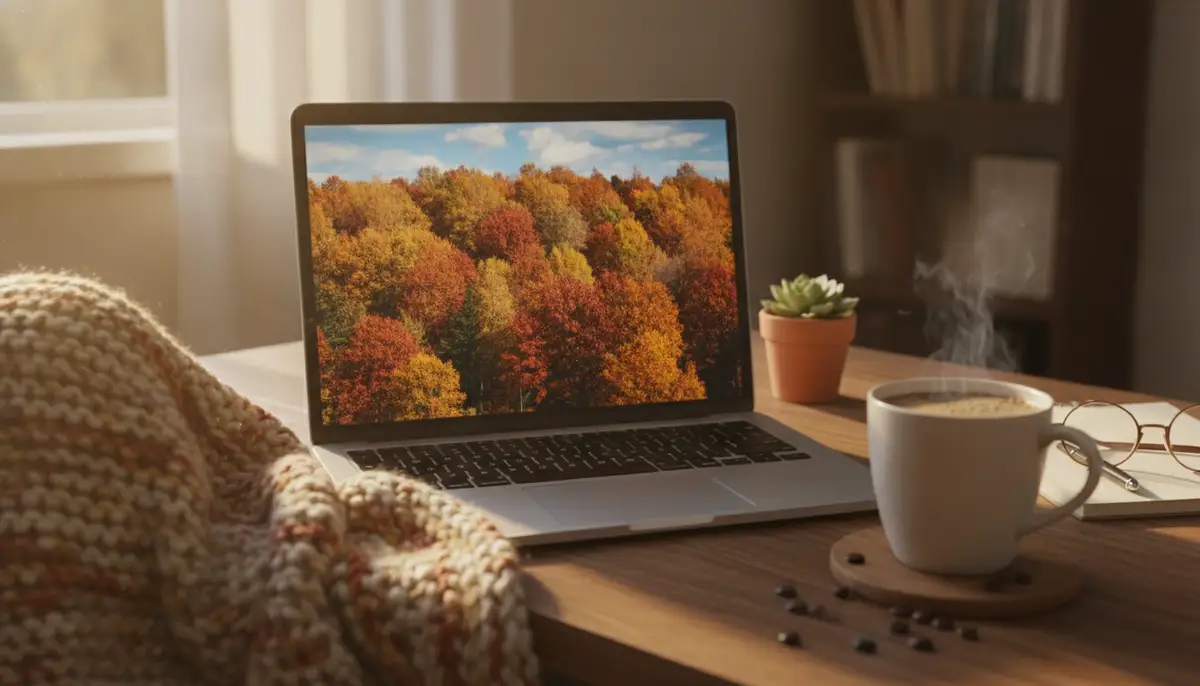
- Canva: Canva offers a fantastic range of customizable autumn desktop wallpaper templates. You can easily add text, change colors, or combine elements to create your perfect background. Celebrate your favorite season with a customizable autumn desktop wallpaper, with free templates from Canva.
- Adobe Express: Similar to Canva, Adobe Express provides user-friendly tools. You can design stunning fall-themed graphics. These graphics are perfect for your desktop. They also offer a vast library of stock photos.
How to Customize and Apply Your Fall Desktop Background Images
Once you've found your ideal fall desktop background images, applying them is simple. The process varies slightly depending on your operating system. Here’s a quick guide for the most common platforms.
For Windows Users (Windows 10/11)
- Right-click on an empty area of your desktop.
- Select 'Personalize' from the context menu.
- In the 'Background' section, choose 'Picture' from the dropdown menu.
- Click 'Browse' to locate your downloaded fall desktop background image.
- Select the image and click 'Choose picture'.
- Adjust the 'Choose a fit' option (e.g., 'Fill', 'Fit', 'Stretch') to best display your image.
For macOS Users
- Go to the Apple menu () in the top-left corner.
- Select 'System Settings' (or 'System Preferences' on older versions).
- Click on 'Desktop & Dock' (or 'Desktop & Screen Saver').
- In the 'Desktop' tab, navigate to the folder where your fall desktop background images are stored.
- Click on the image you want to set as your background. It will instantly apply.
For Linux Users (GNOME Desktop Environment)
- Right-click on your desktop and select 'Change Background'.
- Click on 'Background Image' or 'Add Picture'.
- Browse to your desired fall desktop background image.
- Select it and click 'Open'.
- The image will be applied. You can adjust its style (e.g., 'Zoom', 'Stretch') if needed.
Top Trends in Fall Desktop Background Images for 2025
The world of digital aesthetics is always evolving. In 2025, several exciting trends are shaping the popularity of fall desktop background images. Staying current can give your desktop a fresh and modern feel. Let's dive into what's hot this autumn.
AI-Generated Autumn Scenes
Artificial intelligence is revolutionizing image creation. AI-generated fall desktop background images offer unparalleled uniqueness. You can prompt an AI to create a scene exactly to your specifications. Imagine a 'cyberpunk fall city with golden leaves' or a 'minimalist autumn forest with soft fog.' The possibilities are truly limitless. These tools allow for hyper-personalization, ensuring your fall desktop background images are one-of-a-kind.
Dark Academia and Cozy Aesthetics
The 'dark academia' aesthetic continues its strong presence in 2025. For fall desktop background images, this translates to cozy libraries, vintage books, steaming cups of tea, and dimly lit studies, all with an autumnal twist. Think deep burgundies, forest greens, and sepia tones. These images evoke a sense of intellectual warmth and nostalgia. They are perfect for those who enjoy a more subdued and sophisticated fall vibe.
Dynamic and Live Fall Wallpapers
Static images are great, but dynamic and live wallpapers take personalization to the next level. Imagine leaves gently falling across your screen or a subtle rustling of branches. These animated fall desktop background images add depth and movement. Our business specializes in mobile wallpapers, offering hundreds of live wallpapers and Ultra HD backgrounds for iPhone and Android, with new additions every week. This technology is increasingly making its way to desktop platforms, providing an immersive seasonal experience. You might also be interested in exploring a comprehensive guide to wallpapers that are cute for more dynamic options.
For a truly immersive experience, consider watching this:
. It showcases stunning autumn colors that can inspire your next dynamic desktop theme.Minimalist Fall Landscapes
Sometimes, less is more. Minimalist fall desktop background images focus on simple compositions. They use clean lines and subtle autumn colors. Think a single, vibrant leaf against a muted background. Or perhaps a distant, foggy forest outline. These images provide a calm and uncluttered backdrop. They are perfect for those who prefer a clean and distraction-free workspace.
DIY Fall Desktop Background Images: Using Your Own Photos
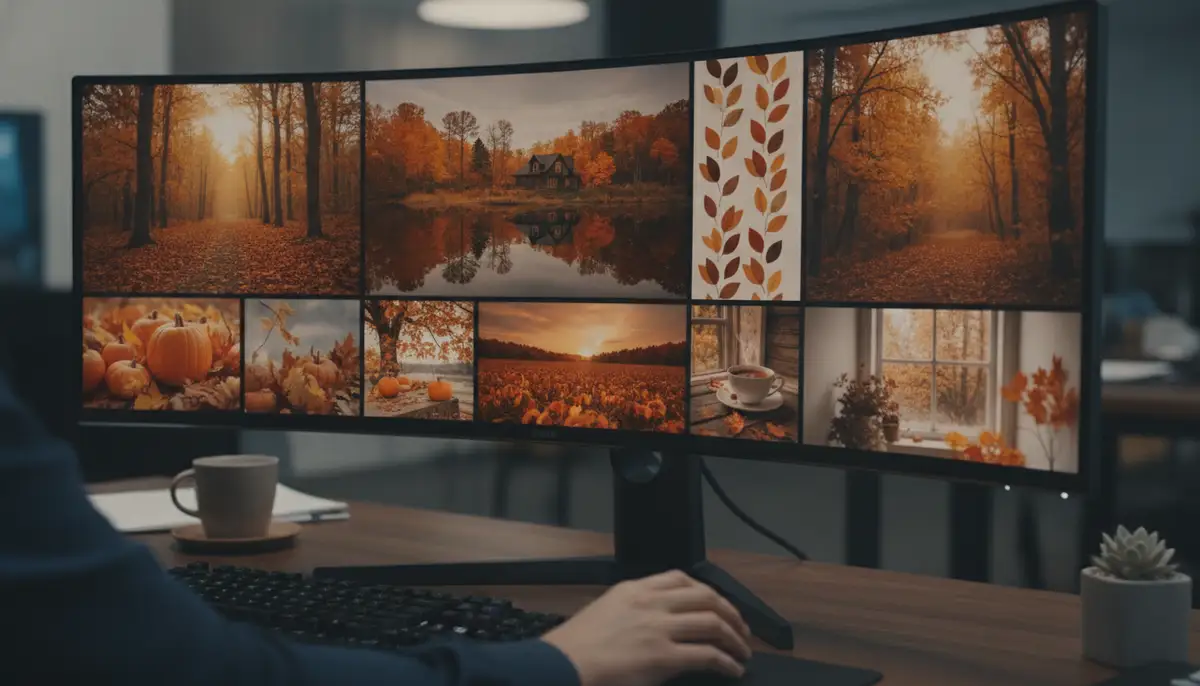
Why rely on others when you can create your own stunning fall desktop background images? If you love photography, autumn offers endless opportunities. Your personal photos can make for the most meaningful backgrounds. They capture your memories and unique perspective. Here's how to turn your snapshots into desktop masterpieces.
Tips for Capturing Perfect Autumn Shots
- Golden Hour Magic: Shoot during sunrise or sunset. The soft, warm light enhances autumn colors.
- Focus on Detail: Capture close-ups of colorful leaves, acorns, or pumpkins. These make great abstract backgrounds.
- Look for Reflections: Puddles or calm bodies of water can create stunning mirrored fall scenes.
- Composition is Key: Use the rule of thirds. Frame your subject off-center for a more dynamic look.
- Experiment with Angles: Get low to the ground. Shoot from above. Find unique perspectives.
Basic Photo Editing for Your Desktop
Even the best photos can benefit from a little editing. You don't need professional software. Many free tools can help. These tools let you enhance your fall desktop background images. They make them desktop-ready.
- Cropping: Adjust the image to fit your screen's aspect ratio. This prevents distortion.
- Color Correction: Boost saturation slightly to make autumn colors pop. Adjust white balance for warmer tones.
- Sharpening: A subtle sharpen can make details clearer, especially for high-resolution screens.
- Contrast: Increase contrast to give your image more depth and vibrancy.
- Noise Reduction: If your photo is grainy, noise reduction can smooth it out. This is important for a clean desktop background.
Optimizing Fall Desktop Background Images for Performance
While aesthetics are important, performance also matters. A poorly optimized image can slow down your computer. It might consume unnecessary resources. Ensuring your fall desktop background images are optimized is crucial. This is especially true if you use older hardware or multiple monitors. Let's look at how to keep your system running smoothly.
Choosing the Right File Format
The file format of your fall desktop background images impacts both quality and size. Here are the most common formats and their best uses:
| Format | Description | Best Use for Desktop Backgrounds |
|---|---|---|
| JPG/JPEG | Lossy compression, smaller file size. | Most common, good balance of quality and size. Ideal for photos. |
| PNG | Lossless compression, supports transparency. | Great for images with text or graphics, slightly larger file size than JPG. |
| WEBP | Modern format, excellent compression and quality. | Becoming more popular, offers smaller files without significant quality loss. |
| BMP | Uncompressed, large file size. | Avoid for desktop backgrounds due to large size and no real benefit over other formats. |
For most fall desktop background images, a high-quality JPG or WEBP file is ideal. They offer excellent visual fidelity without hogging system resources. PNG is good for specific needs, like transparent logos on a custom background.
Resolution and Aspect Ratio Matching
Matching your screen's resolution is vital. An image that's too small will look pixelated. One that's too large will consume extra memory. Find your screen's resolution in your display settings. Then, search for fall desktop background images that match it. Common resolutions include 1920x1080 (Full HD) and 3840x2160 (4K).
Also, consider the aspect ratio. Most monitors are 16:9 or 16:10. Using an image with a different ratio might result in stretching or black bars. Cropping or resizing your fall desktop background images to fit ensures a crisp, clean look.
Managing Multiple Monitors
If you have multiple monitors, you have even more options. You can use a single panoramic image that stretches across all screens. Or, you can set different fall desktop background images for each monitor. Most operating systems allow you to configure this easily. Just ensure the images are high enough resolution for all your displays combined. This creates a truly immersive autumn experience.
Troubleshooting Common Issues with Fall Desktop Background Images
Even with the perfect image, sometimes things don't go as planned. Here are some common problems you might encounter. We also provide simple solutions. This helps you get your fall desktop background images looking their best.
Blurry or Pixelated Images
This is usually a resolution mismatch. Your image is likely too small for your screen. Always download images that match or exceed your monitor's native resolution. If your screen is 4K, an HD image will look blurry. Look for 4K or Ultra HD fall desktop background images specifically. You can also learn more about how to download pitch black wallpaper for specific resolution guidance.
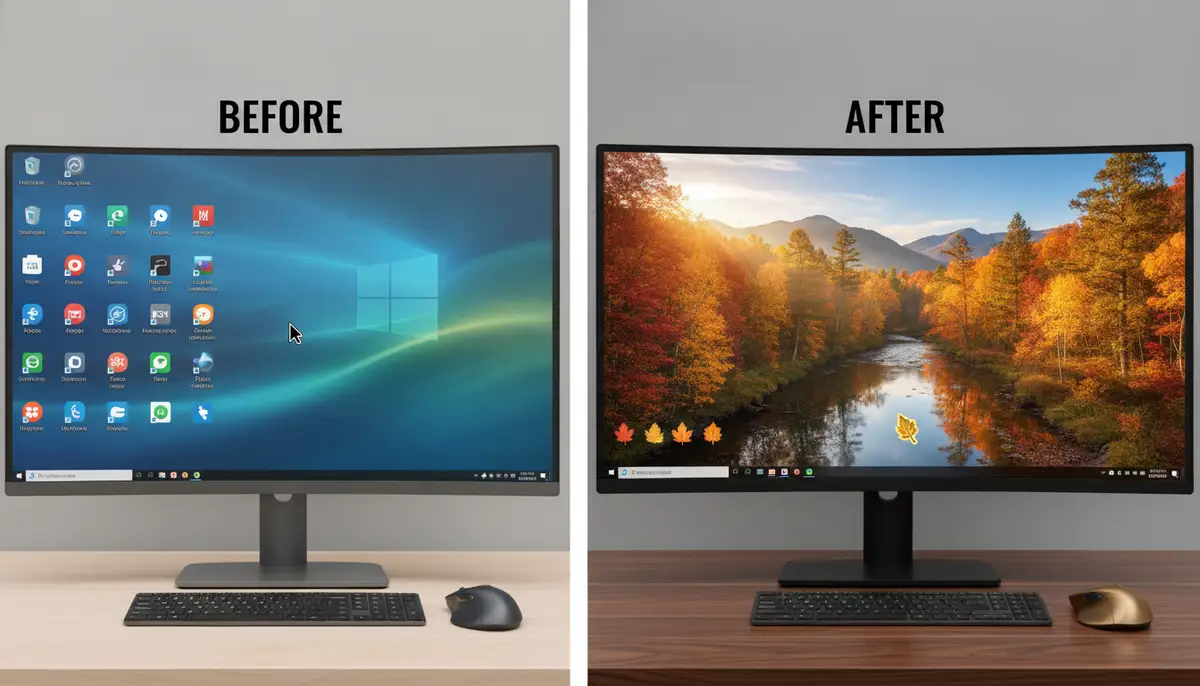
Image Does Not Fit the Screen Properly
Check your 'fit' or 'style' settings in your desktop background preferences. Options like 'Fill,' 'Fit,' 'Stretch,' 'Tile,' or 'Center' can dramatically change how your image appears. Experiment with these settings. Find the one that best suits your chosen fall desktop background images. Cropping the image to your screen's aspect ratio before setting it can also help.
Colors Look Different on My Screen
Monitor calibration can affect color accuracy. Different screens display colors differently. If your colors look off, try adjusting your monitor's color profile. You can usually find these settings in your display preferences. Sometimes, the original image might also have a specific color profile. This can cause discrepancies. However, it is usually not a major issue for fall desktop background images.
Comparing Sources for Fall Desktop Background Images
The market for digital wallpapers is diverse. Many platforms offer fall desktop background images. It's helpful to understand the landscape. This helps you choose the best source for your needs. Let's compare some options, including prominent players in the industry.
Free vs. Paid Options
Most of the sources we discussed earlier are free. Websites like Unsplash and Pexels provide high-quality images without cost. This is fantastic for personal use. However, some artists and premium platforms offer paid fall desktop background images. These might include exclusive designs or higher resolutions. They can also come with commercial licenses if you need them. For most users, free options are more than sufficient.
Community-Driven vs. Curated Platforms
Platforms like Pinterest and DeviantArt are community-driven. They offer a vast array of user-generated content. This means unique and diverse styles. However, quality can vary. Curated platforms, like many professional stock photo sites, often have stricter quality control. They ensure a higher standard of imagery. Both have their merits when searching for fall desktop background images.
Industry Leaders and Alternatives
Beyond the popular free sites, several established platforms specialize in wallpapers. Companies like WallpapersWide (https://wallpaperswide.com) offer extensive collections. They cater to various resolutions and themes. Alpha Coders (https://wall.alphacoders.com) is another major player. It boasts a massive database of user-submitted and curated wallpapers. WallpapersCraft (https://wallpaperscraft.com) also provides a wide selection. These sites are excellent alternatives if you're looking for even more variety in fall desktop background images. While our business focuses on mobile wallpapers, offering hundreds of live wallpapers and Ultra HD backgrounds for iPhone and Android, with new additions every week, these desktop-focused sites are valuable resources for computer users.
The Future of Fall Desktop Background Images
What can we expect from fall desktop background images in the coming years? Technology is constantly advancing. Our digital experiences are becoming more immersive. Here are some predictions for the future.
More Interactive and Adaptive Backgrounds
Imagine fall desktop background images that react to your mouse movements. Or perhaps they change based on the time of day. Interactive wallpapers will become more common. They will offer a dynamic and personalized experience. This moves beyond simple animations. It will create a truly living desktop. These backgrounds could even adapt to local weather conditions, showing a rainy fall scene if it's raining outside.
Enhanced AI Integration
AI will continue to play a huge role. We'll see more sophisticated AI tools. These tools will generate hyper-realistic or highly stylized fall desktop background images. They will be based on complex prompts. AI could even learn your preferences. It could suggest or create backgrounds automatically. This would ensure your desktop always reflects your mood and the season perfectly.
Augmented Reality (AR) Desktops
While still emerging, AR could transform how we view our desktops. Instead of a flat image, imagine a 3D fall scene projected onto your wall or desk. This would create an immersive environment. Your fall desktop background images could become a part of your physical space. This technology is still in its early stages. However, it holds exciting potential for future personalization.
Conclusion: Transform Your Digital World with Fall Desktop Background Images
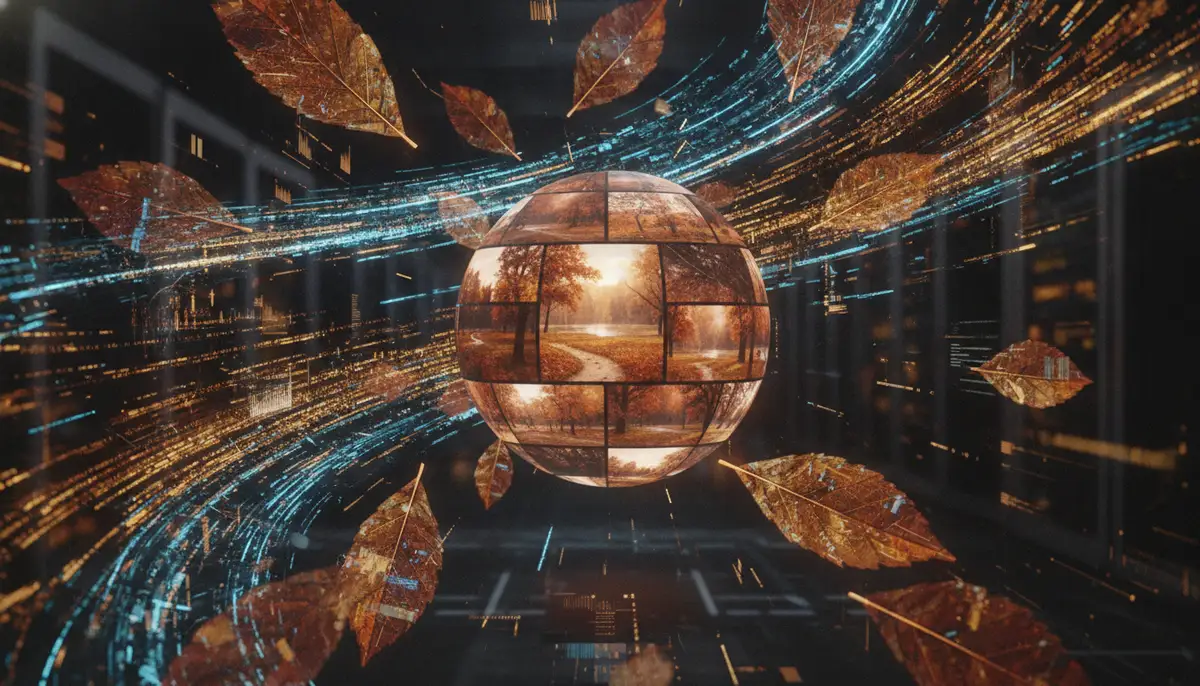
Updating your desktop with beautiful fall desktop background images is a simple yet powerful way to enhance your digital life. It boosts your mood, reflects your style, and keeps your workspace fresh. From vibrant forest scenes to cozy autumnal aesthetics, the options are limitless. You can find free, high-quality images from various sources. Or you can create your own personalized masterpieces.
Remember to optimize your images for the best performance. Also, troubleshoot any issues that arise. By following the tips in this guide, you're well-equipped to transform your desktop. Embrace the beauty of autumn every time you power on your device. Ready to give your screen an autumnal makeover? Download now and find your perfect fall desktop background images!